
What is Roblox Plus?
Roblox Plus is our subscription that allows players to make the most of their Roblox experience. Plus subscribers save up to 20% on in-game items, avatar upgrades, and more. They also gain access to special gifts and profile features.
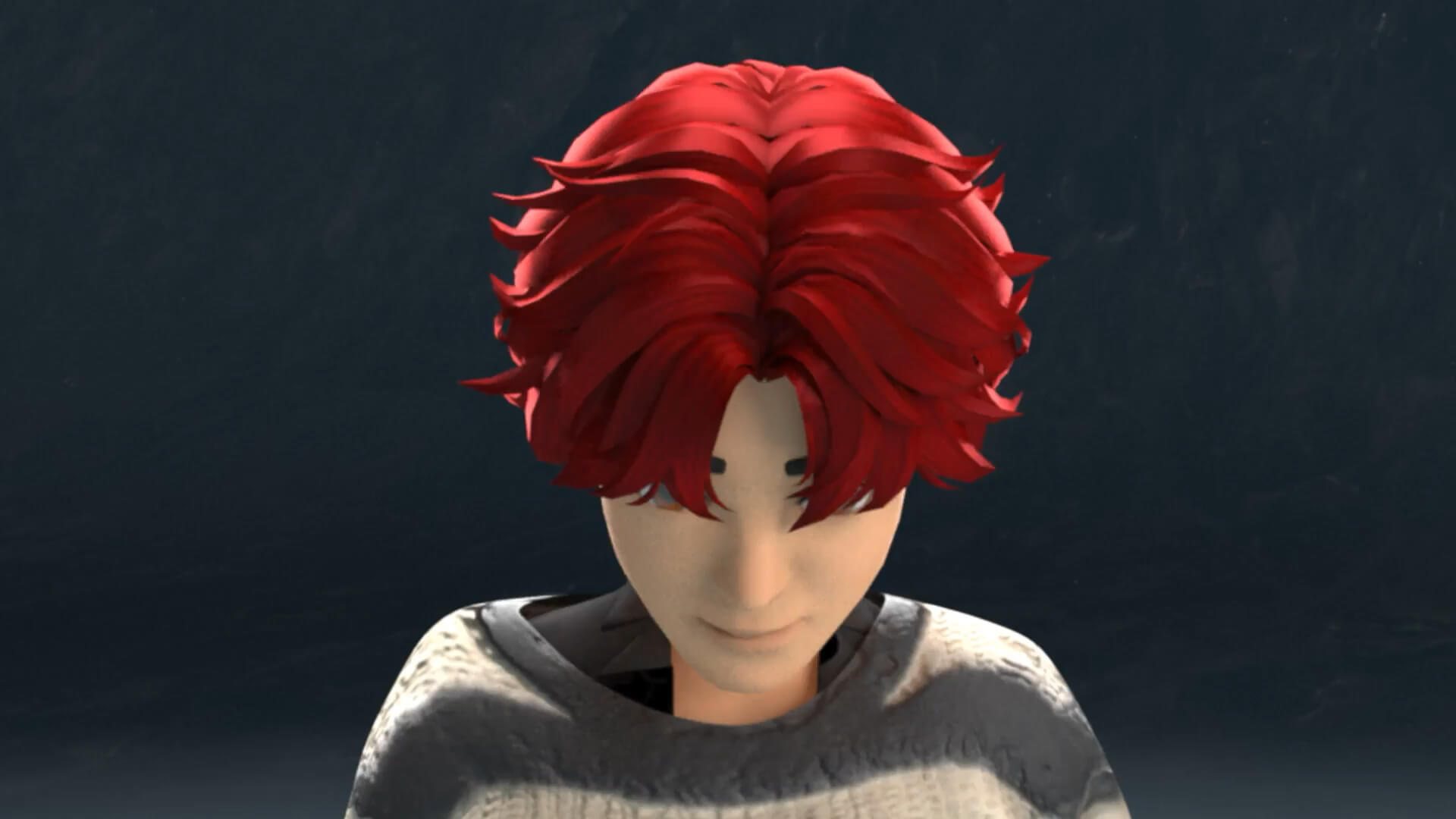
Save on purchases
In the first two months, receive 10% off in-game items, avatars, and more. Lock in 20% off starting in month three.

Free and secure Robux transfers
Whether you’re gifting to a friend or setting a weekly allowance, you can now instantly transfer Robux for free. Recipients do not need a Plus subscription.

Free private servers
Plus subscribers get access to free private servers. This allows them to choose who is playing with them in many of their favorite games.

Avatar backgrounds and more
Plus subscribers gain access to special self-expression features, like profile frames and avatar backgrounds.

How to subscribe to Roblox Plus
To subscribe to Roblox Plus
- Create an account or sign into an existing account
- Navigate to roblox.test1709.icu/plus or click the Roblox Plus icon in your account
- Choose your Plus subscription
- Subscribe

Roblox Plus FAQs
Roblox Plus was designed to enhance users' experiences on Roblox. As a subscriber, you have the following always-on benefits.
- Discounted purchases on the platform, including in-game and avatar items
- 10% off select items in the first two months
- 20% off in months 3+
- Robux transfers without fees (users under 16 require parent approval)
- Free private servers
- Ability to trade, sell, and publish avatar items
- Roblox Plus badge on your profile
- Self-expression features like profile frames and avatar backgrounds
- Plus exclusive items and additional perks
If you have a Premium 1000 or 2200 subscription, you can keep publishing and selling avatar items, and trading limited items. Roblox Plus subscribers can do the same.
After canceling a Premium or Plus subscription, your items will remain on sale for a five-day grace period.
Roblox Desktop/Mobile:
Roblox Plus is available for purchase in Roblox, on both desktop and mobile. You can find it in the menu of your app. Roblox Plus is available for purchase with credit/debit cards or PayPal.
App Store:
You can also purchase Roblox Plus via the Apple App Store purchases and via Android Google Play Store purchases.
- Roblox Plus is available on the latest version of the Roblox app. If you're using your mobile device and do not see an option to subscribe, update your app via the app store on your device.
Roblox Plus lets you send Robux to friends without fees. Recipients don't need a Roblox Plus account to receive the Robux.
How to send in the app:
- Open your app and click on the Robux symbol at the top right of your screen.
- Click Send.
- Search for or click the friend you want to send Robux to.
- Choose the amount you'd like to send.
- Click Next.
- Click Send or Edit.
How to send on desktop:
- Click the Robux symbol at the top right of your screen.
- Click Buy Robux.
- Click Send.
- Search for or click the friend you want to send Robux to.
- Choose the amount you'd like to send.
- Click Next.
- Click Send or Edit.